
Image Online Converter Free: The Ultimate Guide to Converting Images Instantly
In today’s digital world, images are the cornerstone of communication. Whether you are a blogger, a web designer, or just someone sharing memories, you have likely encountered the frustration of incompatible file formats. You might have a high-quality image online converter free tool bookmarked, but do you know how to use it to its full potential? This guide will walk you through the seamless process of converting your pictures without downloading any software.
Why Use an Image Online Converter Free Tool?
Before diving into the “how,” it’s important to understand the “why.” Desktop software can be expensive and often requires complex installations. An image online converter free tool, like the one featured on this site, offers unparalleled convenience. You can access it from any device—be it a Mac, Windows PC, or even a tablet—and process files in seconds. Our tool supports a wide array of formats including JPG, PNG, WebP, GIF, and BMP, ensuring that your workflow never hits a roadblock.
1️⃣ Upload Your Images: The First Step to Conversion
Getting started with our image online converter free platform is designed to be as intuitive as possible. You have two primary methods to load your files into the system:
Click to Upload: Simply click inside the designated upload box. This will open your device’s file explorer, allowing you to select the images you wish to convert.
Drag & Drop: For even faster processing, you can drag your image files directly from a folder on your computer and drop them into the upload area.
What you can upload:
Our current version supports uploading multiple images at once, saving you valuable time if you have a batch to process. Supported file types currently include JPG, PNG, WebP, GIF, and BMP. Once uploaded, the system generates preview thumbnails, giving you a clear overview of the files selected for conversion.
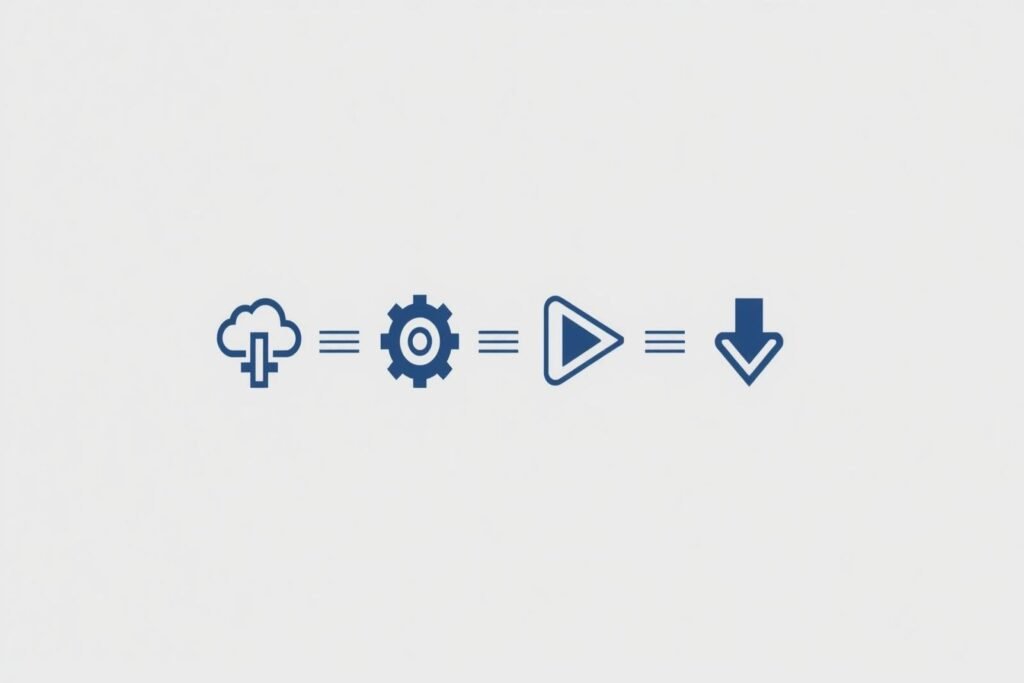
2️⃣ Choose Your Output Settings with This Image Online Converter Free
Once your images are uploaded, it is time to tailor the output to your specific needs. This is where our image online converter free tool truly shines, offering flexibility without complexity.
Select Output Format: Choose your desired destination format from the dropdown menu. Whether you need a transparent PNG for a logo or a compressed JPG for a website, we’ve got you covered.
Adjust Quality: Use the simple slider to adjust the image quality on a scale from 10 (smallest file size) to 100 (highest quality). This is crucial for balancing visual fidelity and loading speed.
Resize (Optional): Need specific dimensions? You can set the exact Width and Height for resizing. This feature is perfect for creating uniform product images or social media banners.
3️⃣ Click Convert and Let the Tool Work
With your settings configured, the final step in the process is executing the conversion. Simply click the Convert button located on the interface.
Because our platform is built as a Single Page Application (SPA), there is no page reload. This means you don’t lose your place or have to wait for the entire page to refresh. Instead, a clear processing message will appear, keeping you informed while the tool handles the heavy lifting in the background.
4️⃣ Download Your Converted Files
Patience is a virtue, but with this tool, you won’t need much of it. Once the conversion process is complete, the interface updates instantly.
Each converted image will be displayed clearly.
Below each image, a prominent Download button will appear.
Simply click the button to save your newly formatted image directly to your device.
All your files are processed securely and are removed from our servers shortly after your session ends, ensuring your privacy is maintained.
The Benefits of Converting Online
Using a web-based solution eliminates the need for hard drive space dedicated to software. It is environmentally friendly for your device and incredibly efficient for your workflow. By mastering this image online converter free tool, you ensure that your visuals are always in the perfect format for any platform, from WordPress websites to email attachments.